Type: Article -> Category: AI Business
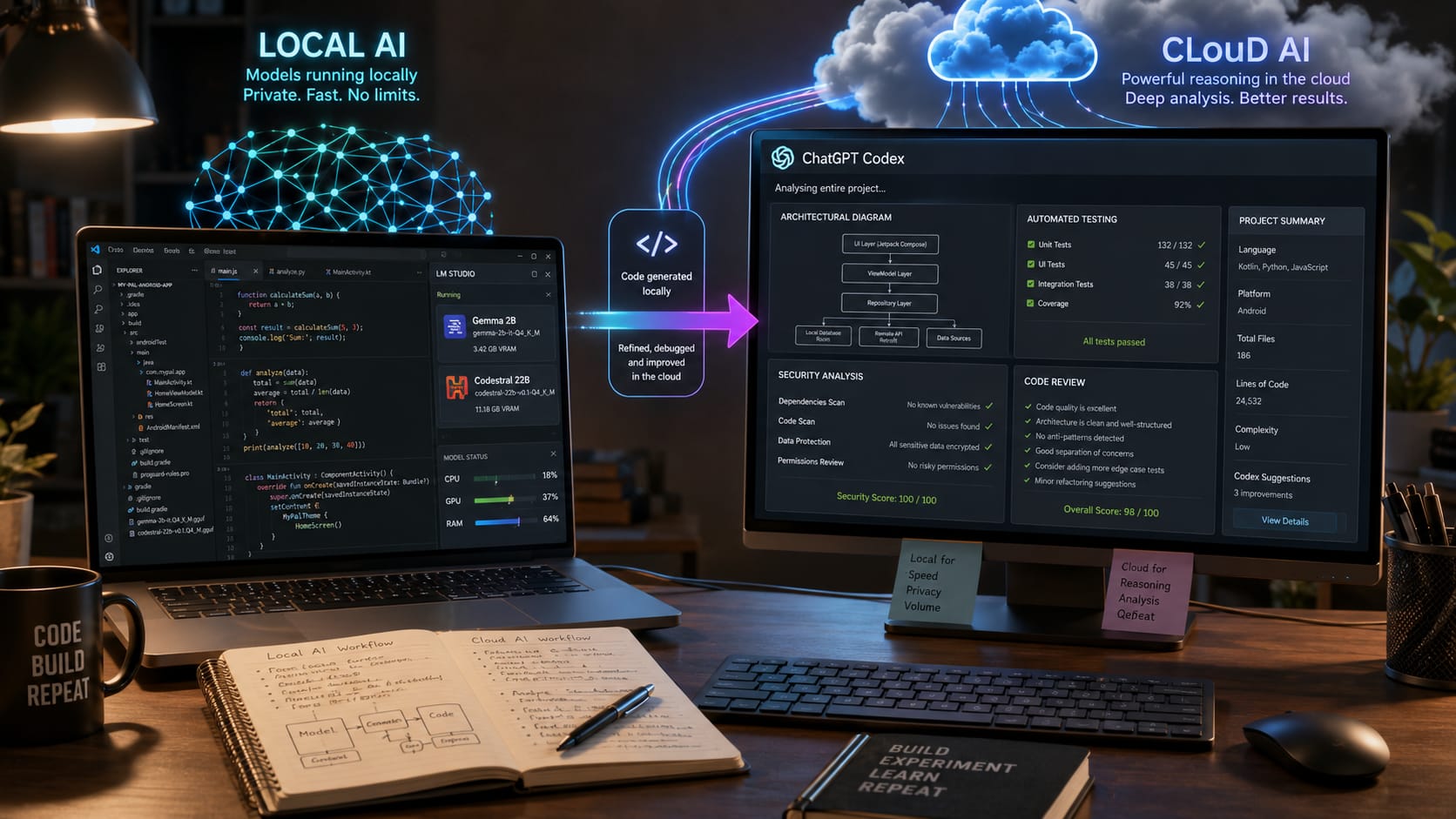
Coding with Local AI vs Cloud AI
What I Have Learned; And Why I Now Use Both
Don't have time to read the article? View as a short video storyboard or listen to it whilst jogging.
Publish Date: Last Updated: 4th August 2026
Author: nick smith- With the help of CHATGPT
Only a few months ago I was doing all of my development with ChatGPT Codex (now integrated into the ChatGPT application). It transformed the way I write software. Instead of spending hours creating boilerplate code, wiring together files and repeatedly checking documentation, I could describe what I wanted and let the AI handle much of the repetitive work while I focused on architecture, design and solving the real problems.
It has been one of the biggest productivity improvements I have experienced during more than three decades of software development.
However, as my projects have become larger and more ambitious, another concern has started creeping in.
I call it AI Range Anxiety.
I wrote about this in a previous article, but the short version is simple. The more I rely on cloud AI during an important project, the more I worry about running into usage limits, token restrictions or unexpected changes to pricing just when I need the AI the most.
That isn't a criticism of the services themselves. Running large language models is expensive, and paid subscriptions have to strike a balance between cost and capability. But if your entire development workflow depends on one cloud service, it can become another dependency that you don't completely control.
That made me wonder whether local AI had finally become capable enough to take on some of the workload.
So over the past week I decided to find out.

My Local AI Setup
I don't own a £5,000 workstation packed with multiple GPUs.
My development machine is simply a modern Intel i7 laptop with:
- 64GB RAM
- 6GB NVIDIA GPU
- Fast NVMe storage
It's powerful enough to run image generation models and local language models at a reasonable speed, so I wanted to see whether it could also become a practical coding assistant.
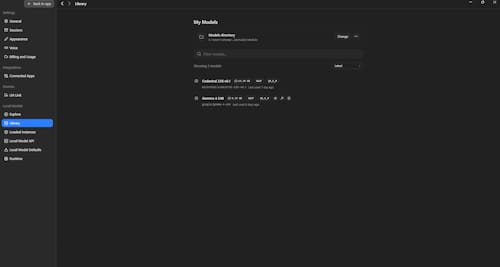
After researching the available options, I settled on LM Studio from Bionic.
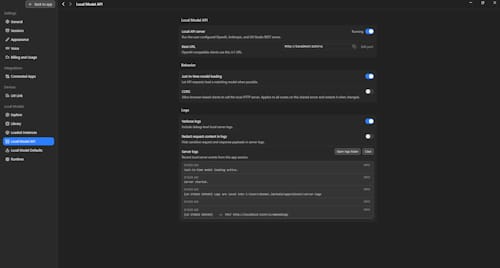
LM Studio makes downloading, managing and serving local language models surprisingly straightforward. More importantly, it exposes those models through a local API, allowing them to integrate directly with development environments.
At the moment I'm actively working on three very different projects:
- Python – my PFVME artificial intelligence research project
- Android – an Android application
- JavaScript / Node.js – several web-based systems
PFVME is my primary project and the one where I still rely heavily on ChatGPT Codex because the architecture is continually evolving and often requires high-level reasoning.
For the other projects, however, local AI seemed like the perfect opportunity.
After researching current recommendations, I chose:
- Gemma 4 E4B for Android development
- Codestral 22B v0.1 for JavaScript, Node.js and HTML
Both models are well regarded for coding tasks and are capable of running locally on consumer hardware.
My First Surprise
Like many developers, I had become rather spoiled by Codex.
With Codex the workflow is almost magical.
You describe what you want.
It creates files.
It edits existing files.
It runs tests.
It fixes errors.
It often continues working while you're already thinking about the next task.
Apart from occasionally granting permission to modify files, it feels remarkably autonomous.
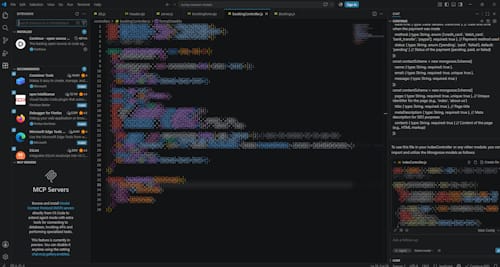
So when I connected Visual Studio Code to my local AI using the Continue extension, I expected a similar experience.
It wasn't.
Local models are intentionally far more restricted.
For security reasons they generally cannot browse your project, create files or freely modify your source code.
Instead they generate code inside the chat window.
You then choose what to insert into your project.
Initially this felt like a major step backwards.
If I wanted the AI to modify an existing file, I often had to provide the relevant code manually so the model had enough context to produce something compatible.
Compared with Codex, that certainly adds more friction.
Slower... But Not Necessarily Worse
The local models are undeniably slower than using ChatGPT Codex.
On my hardware they don't produce code instantly.
However, they are still perfectly usable.
More interestingly, after several days of development I realised something unexpected.
Being forced to review the generated code before inserting it actually made me a better developer.
With Codex I had become accustomed to letting the AI complete large sections of work before reviewing the final result.
With local AI I naturally examined every function as it was generated.
I paid closer attention.
I spotted problems earlier.
I understood more of what was happening.
Rather than replacing my coding, the local AI became something closer to an experienced assistant sitting beside me.
I now use it for many of the repetitive jobs that every project contains:
- Input validation
- Routing
- CRUD operations
- Sanitisation
- Helper functions
- Refactoring repetitive code
- Documentation
- Unit test generation
These are exactly the kinds of tasks AI excels at, while I remain responsible for the architecture and design decisions.
Ironically, the limitations of local AI encouraged me to become more involved in the implementation again.
Android Was a Pleasant Surprise
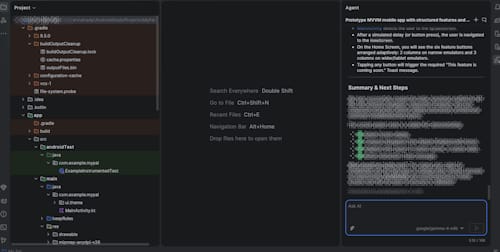
My experience with Android Studio has actually been closer to the cloud experience.
Android development is still relatively new to me, so many of my challenges come from learning the Android framework itself rather than the AI.
Within Android Studio the local AI has been capable of creating files, suggesting changes and assisting with development in a much more integrated manner.
So far it has proven both fast enough and capable enough to become part of my normal Android workflow.

The Real Strength Is Using Both Together
After several days of experimentation, I don't think local AI replaces cloud AI.
Nor do I think cloud AI replaces local AI.
Instead, they complement each other remarkably well.
Today my workflow looks something like this:
Local AI handles:
- Boilerplate code
- Standard programming tasks
- Helper functions
- Repetitive coding
- Small refactoring jobs
- Documentation
ChatGPT Codex handles:
- Architecture decisions
- Complex debugging
- Security reviews
- Performance optimisation
- Cross-file reasoning
- Large refactoring
- Final code review
This approach dramatically reduces how many cloud AI requests I need to make while still allowing me to use the strongest reasoning models where they provide the greatest value.
It also means that if cloud limits become tighter in the future, my productivity doesn't grind to a halt.
Local AI Isn't Standing Still
One thing I have learned over the past year is that six months in AI now feels like several years in traditional software development.
The progress is astonishing.
Every few weeks there are new coding models, faster inference engines and better integration tools.
Running useful coding models locally would have sounded unrealistic for many developers only a short time ago.
Today it is becoming increasingly practical.
The performance you achieve naturally depends on your hardware.
More RAM allows larger context windows.
A more powerful GPU allows larger models to run faster.
Faster storage reduces loading times.
But perhaps the biggest surprise is just how capable even relatively modest hardware has become.
Understanding the Important Settings
One area that initially feels overwhelming is the number of configuration options available in local AI software.
Most developers don't need to change many of them, but understanding the basics can make a noticeable difference.
Context Window
The context window determines how much information the model can remember during a conversation.
A larger context allows the AI to understand bigger source files and maintain awareness across longer discussions, although it also requires more memory.
GPU Offloading
This controls how much of the model runs on your graphics card instead of the CPU.
The more layers your GPU can handle, the faster the model generally responds.
Quantisation
Quantisation reduces the model's size by storing weights more efficiently.
Lower-bit quantisations use less RAM and VRAM, making larger models practical on consumer hardware, although there can be a small reduction in accuracy.
Temperature
Temperature affects creativity.
For programming, a lower value usually produces more predictable and consistent code, while higher values encourage more varied solutions.
Maximum Tokens
This limits how much code or text the model can generate in a single response.
Increasing it allows longer outputs but also increases processing time.
Most developers can leave many other settings at their defaults until they become more familiar with how local models behave.
Final Thoughts
After only a week of using local AI for software development, I already know it has earned a permanent place in my toolbox.
Will it replace ChatGPT Codex?
No.
Not even close.
Codex remains significantly better at understanding entire projects, reasoning across multiple files, debugging complex problems and making architectural decisions.
But that doesn't mean local AI isn't valuable.
Far from it.
For routine development work, local AI allows me to offload much of the repetitive coding without consuming valuable cloud usage.
Then, when the project reaches the stages where experience, reasoning and deeper analysis become essential, I can bring in ChatGPT Codex to review, improve and polish the finished work.
Rather than seeing local AI and cloud AI as competitors, I now see them as two specialists working together.
One provides fast, private, low-cost assistance that runs entirely on my own hardware.
The other provides world-class reasoning for the problems that genuinely require it.
For me, that combination has become the best of both worlds—and I suspect it is the direction many professional developers will eventually take.
Latest AI Business Articles

The AI Advertising Paradox
AI search gives us answers without requiring us to visit the websites that created them. That's convenient for users, but...
If You Wanted to Start a Business in the UK Today… Were We Right?
Two years ago, we predicted the best businesses to start in the UK. Now it's time to hold those predictions accountable. Discover...

AI Range Anxiety: Will Rising AI Costs Slow Innovation?
Artificial intelligence has transformed the way developers, researchers and creators work. But as AI becomes an essential tool, a...

Are You in Charge of Your AI – Or Is AI in Charge of You?
Artificial Intelligence can improve efficiency and reduce costs, but are you still making the decisions? Discover how businesses...

AI Can Transform Your Business – But What Happens When It Fails?
Artificial Intelligence can transform productivity, efficiency and customer service, but over-reliance creates new business risks....

The Invisible Battlefield: How AI Trading Bots Could Turn Geopolitical Conflict into Financial Shockwaves
AI trading bots now react to global news in milliseconds. During geopolitical crises, these automated systems can amplify market...

From Digital Currency to Volatility Engine: What Crypto Became in the Age of AI
Crypto began as a decentralised currency experiment. Today it functions as a high-volatility speculative market, now accelerated...

When AI Catches the Flu: Why Backup, Recovery, and Resilience Mean Something Different for Intelligent Systems
When AI replaces human systems, failure changes shape. This article explores what happens when AI “gets sick,” why it can’t be...

AI Questions and Answers section for Coding with Local AI vs Cloud AI
Welcome to a new feature where you can interact with our AI called Jeannie. You can ask her anything relating to this article. If this feature is available, you should see a small genie lamp above this text. Click on the lamp to start a chat or view the following questions that Jeannie has answered relating to Coding with Local AI vs Cloud AI.
Be the first to ask our Jeannie AI a question about this article
Look for the gold latern at the bottom right of your screen and click on it to enable Jeannie AI Chat.
Type: Article -> Category: AI Business